Cutting Edge Since Day One
Andrew has been on the cutting edge of AI since the beginning, spending many hours each week adopting the newest and best features and models as they become available. As a current member of the AWS Customer Council with Enterprise Support, he was one of the initial beta users to test Amazon Bedrock models by standing them up directly. He has attained the AWS AI Practitioner certification and has scaled virtual servers to run hundreds of agents simultaneously.
An autonomous software entity powered by a large language model that can reason, plan, use tools, and take actions on your behalf — reading files, writing code, searching the web, and executing commands without step-by-step human instruction.
AI Adoption
Just about everyone moves through the same stages of AI adoption. The only question is how fast.
"This is just hype." The most common starting point. A conviction that AI is overpromised and irrelevant to your work.
"Okay, maybe there's something here, but it can't do what I do." Curiosity begins, but defensiveness dominates. You've seen the demos but haven't touched the tools.
You open ChatGPT for the first time and ask it a real question. The reply is surprisingly useful. The barrier between curiosity and practice breaks.
You run models on your own machine. Ollama, local LLMs, testing without sending data to the cloud. Privacy instincts kick in. You start understanding what these models actually are.
AI becomes part of your workflow rather than a novelty. You're using two or three specialized agents daily — writing, research, code review — and noticing real output gains.
The toolkit grows. You're comparing models, choosing the right one for each task, and understanding the tradeoffs between speed, cost, capability, and privacy.
Agents work together. Outputs from one feed into another. You're building pipelines, automating multi-step processes, and the leverage compounds dramatically.
The mature state. You know what data goes where, which models to trust with what, and how to govern the entire system. Security and privacy aren't afterthoughts — they're the architecture.
The Ecosystem
Event-driven rules that fire before or after an agent takes an action — allowing you to validate, block, or modify tool calls in real time. The safety layer between what an agent wants to do and what it's allowed to do.
Reusable prompt-based capabilities that give agents domain expertise — from code review to deployment workflows. Skills encode best practices so agents don't have to figure them out from scratch every time.
Model Context Protocol servers that connect agents to external tools and services — databases, APIs, file systems, cloud infrastructure. The bridge between an agent's reasoning and the real world.
Ecosystems where skills, plugins, and MCP servers are shared and distributed — allowing agent capabilities to be composed, extended, and governed across teams and organizations.
Personal Project
When you're running hundreds of agents across multiple projects, visibility becomes critical. Andrew built the AI Agent Watcher — a personal admin panel that provides oversight and governance across every agent in his environment.
Agent Discovery
Scans project directories to find and catalog every configured agent, their permissions, tools, and MCP server connections.
Logs & Audit Trail
Centralized view of what agents have done — tool calls, file edits, command execution — with filtering and search across sessions.
Permissions & Templates
Review and manage agent permission sets, hook configurations, skill assignments, and reusable agent templates across projects.
AI Agent Watcher — built for personal use
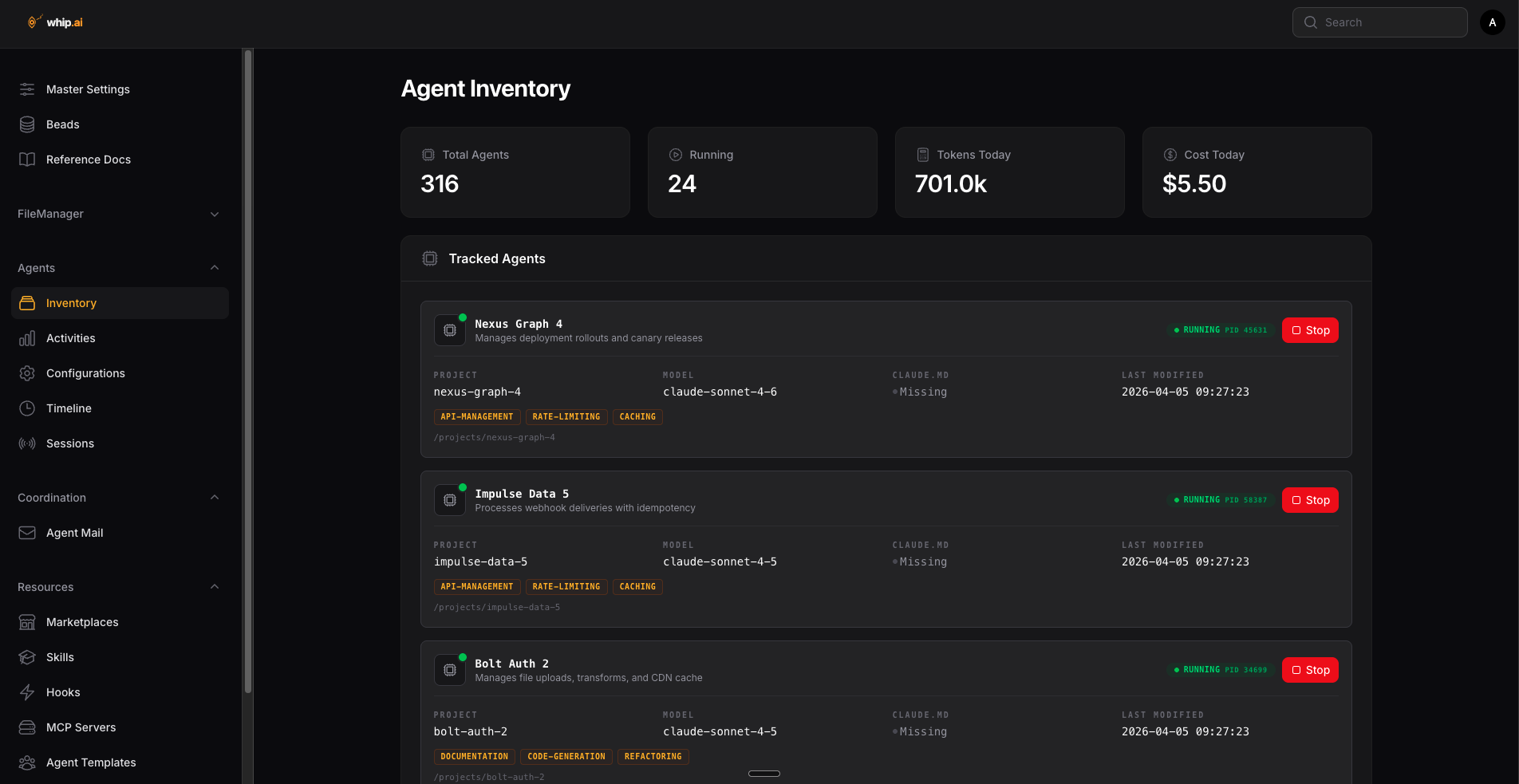
Full inventory of every discovered agent across all monitored projects, with status and configuration details.
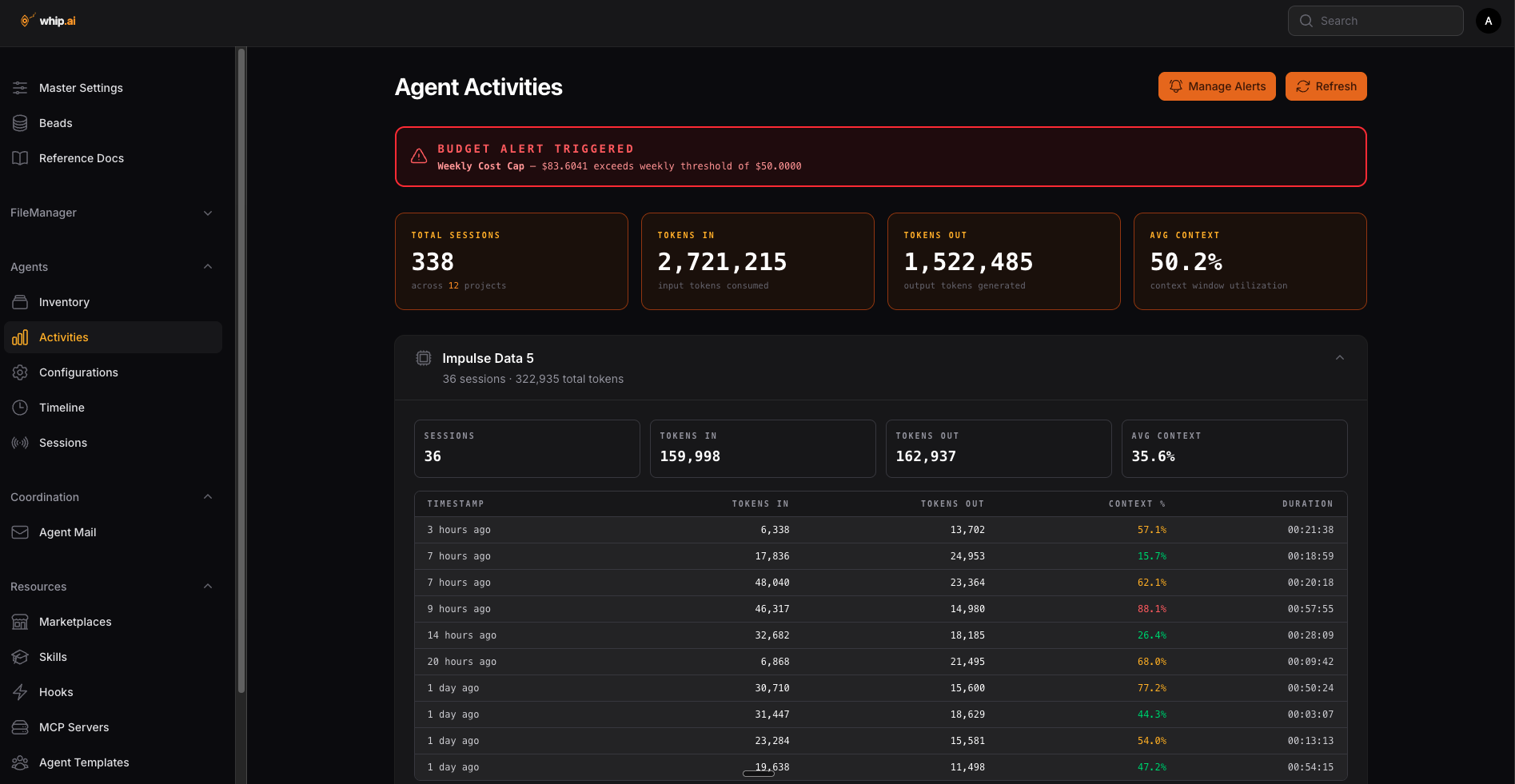
Activity log showing recent agent actions, tool calls, and file operations across sessions.
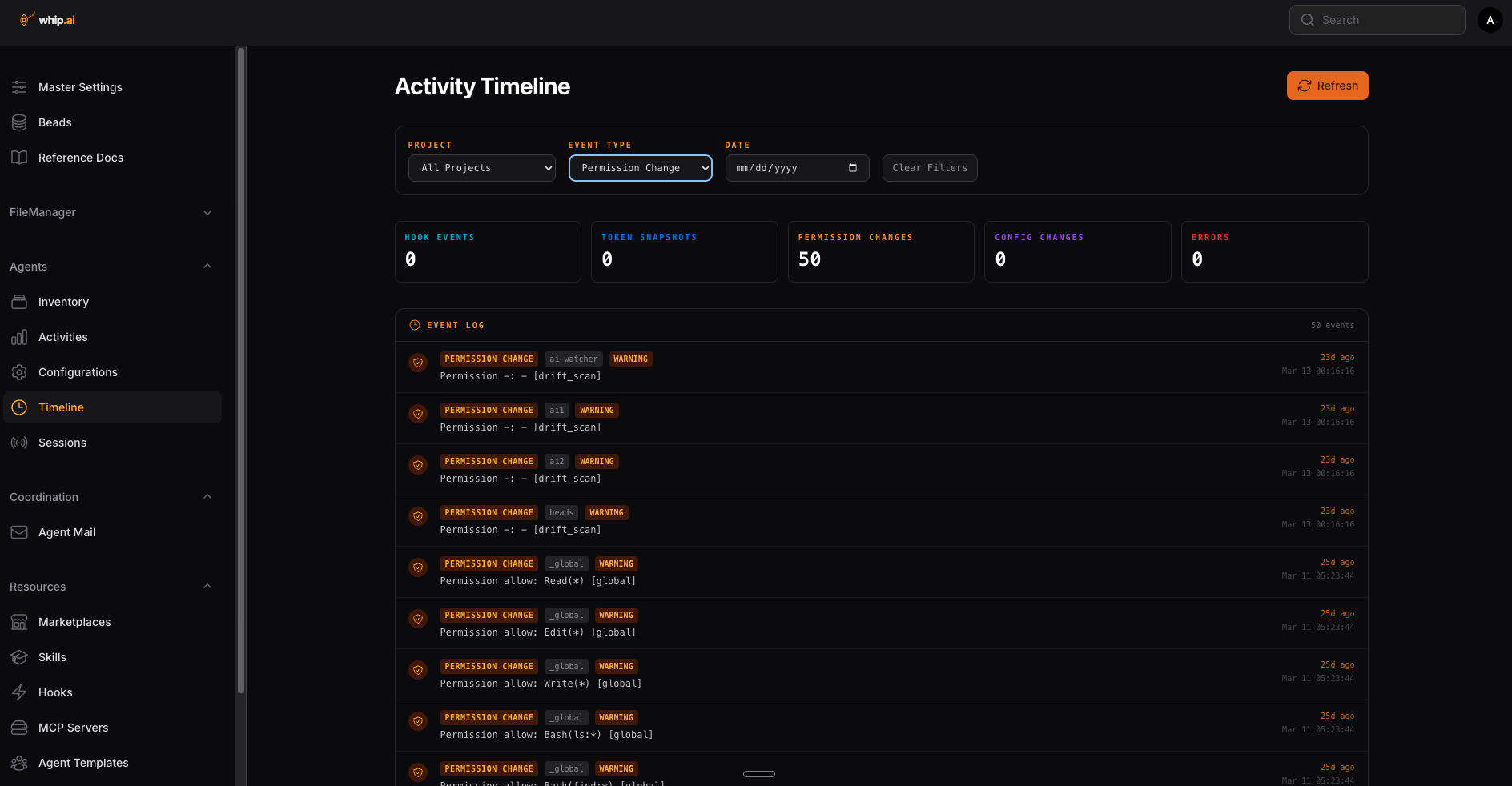
Chronological timeline of agent events, showing when agents started, what they did, and how long each session lasted.
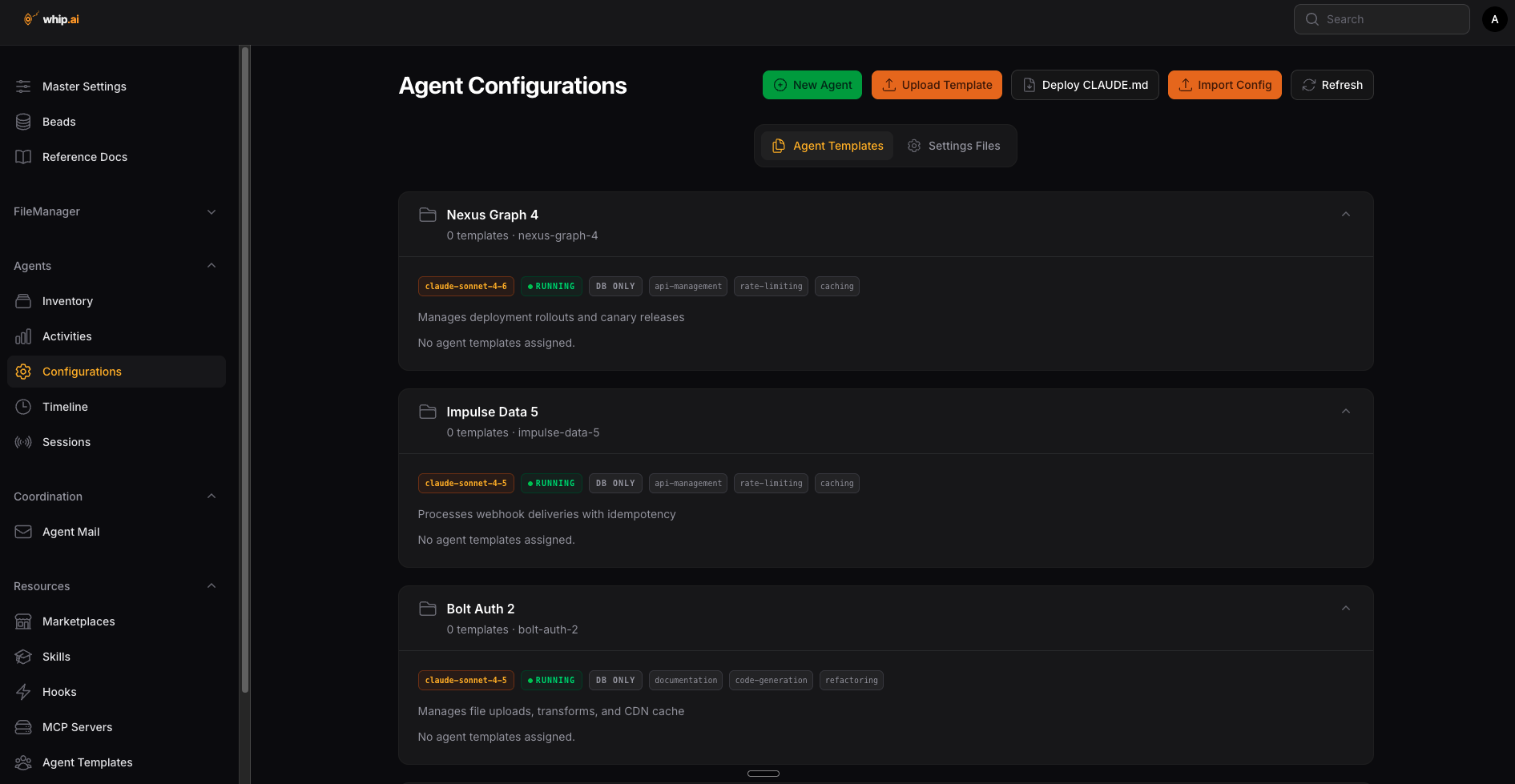
Saved agent configurations with their assigned permissions, tools, and model settings.
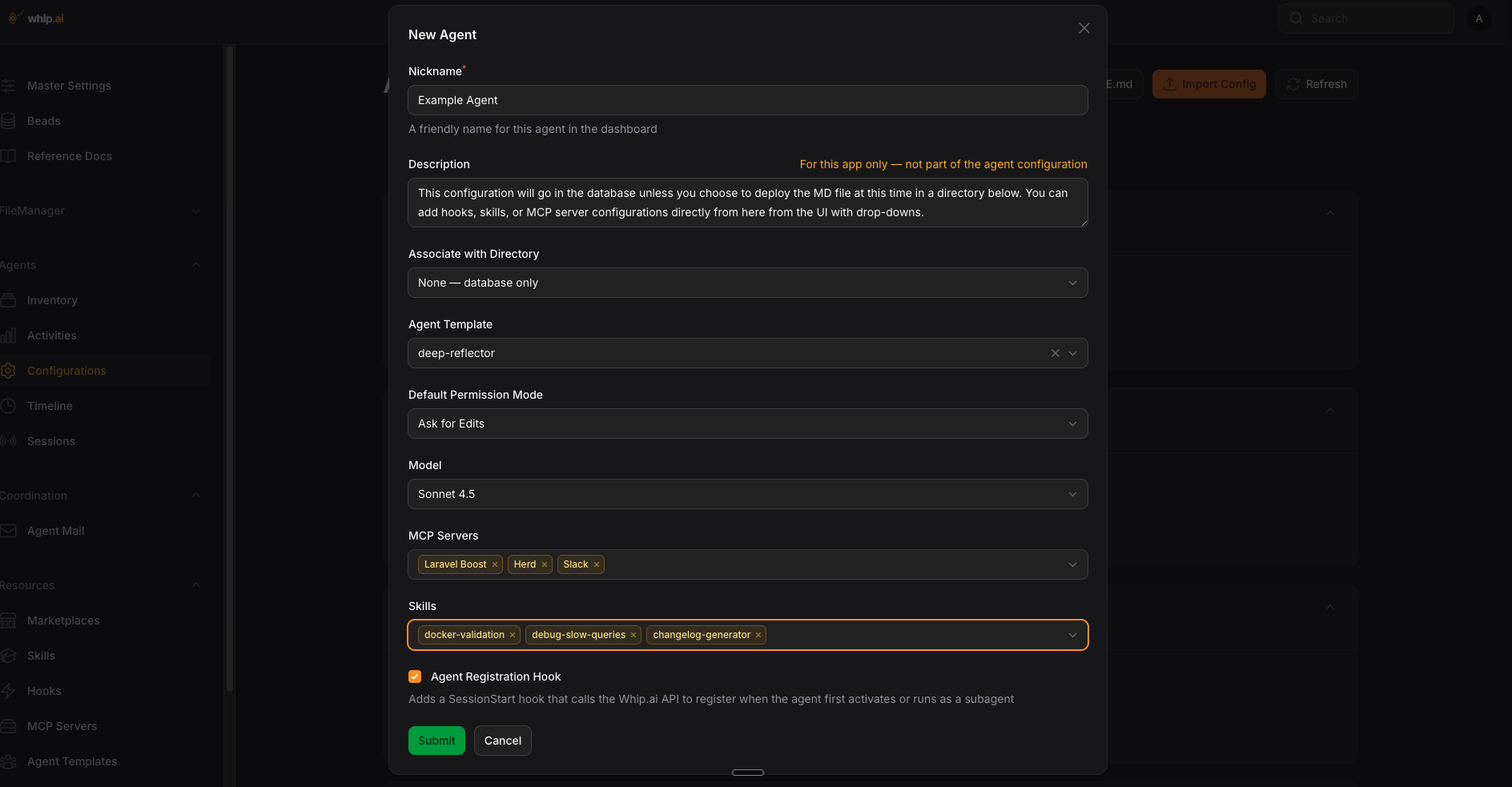
Creating a new agent configuration with custom permissions, tool access, and behavioral constraints.
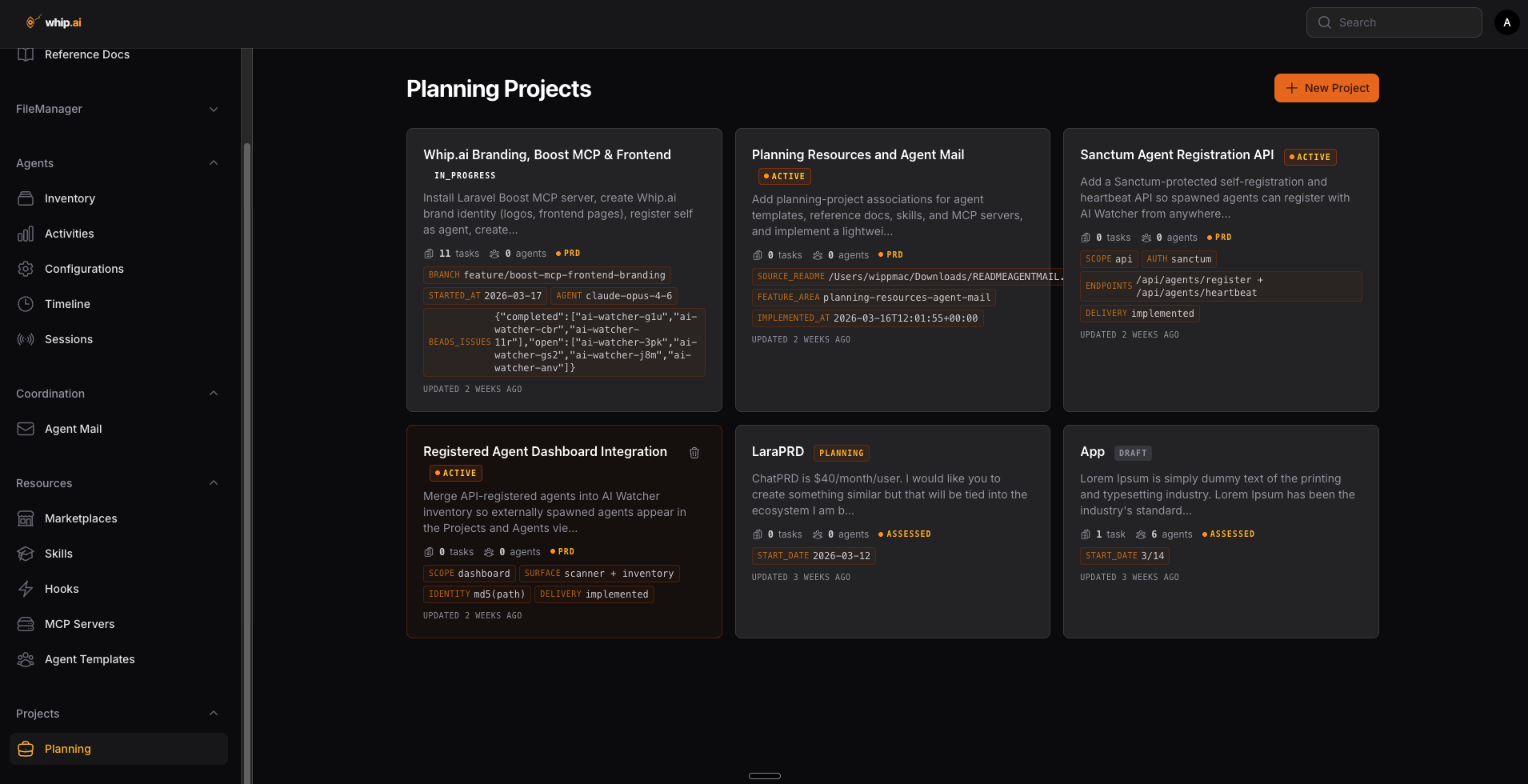
Multi-project overview showing planning status, active agents, and progress across workstreams.
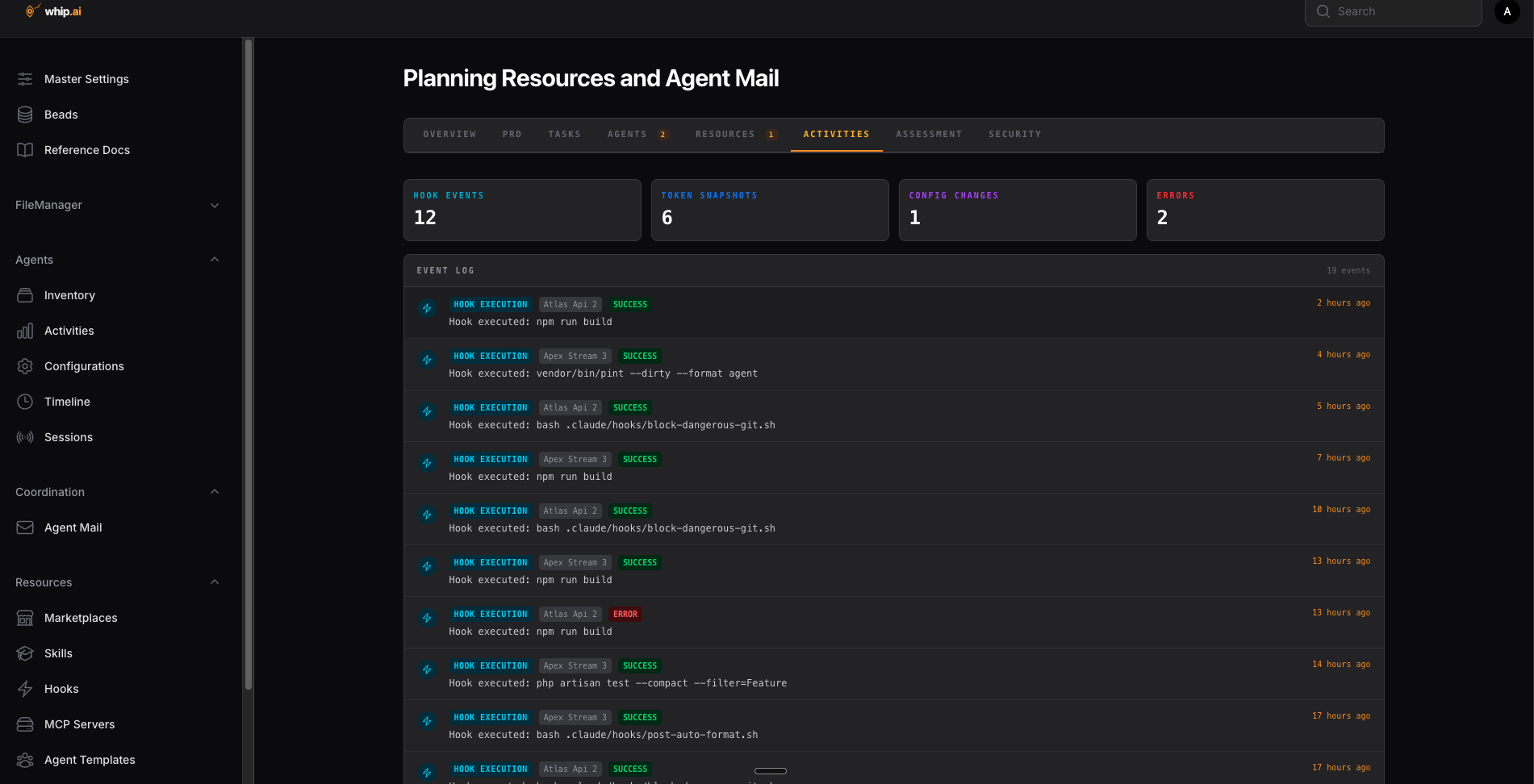
Detailed project plan with task breakdowns, dependencies, and agent assignments for a single project.
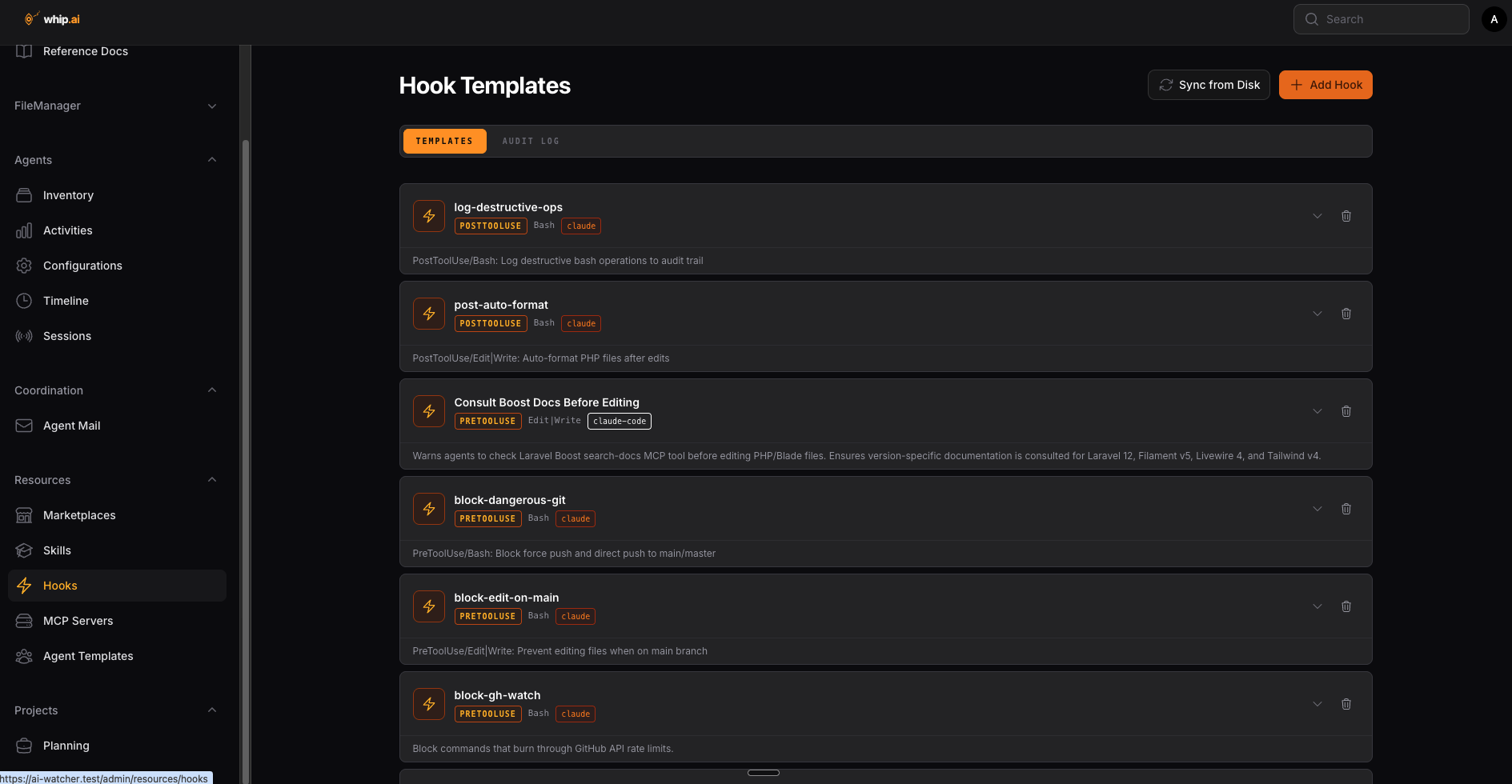
Catalog of configured hooks with their event types, trigger conditions, and enforcement rules.
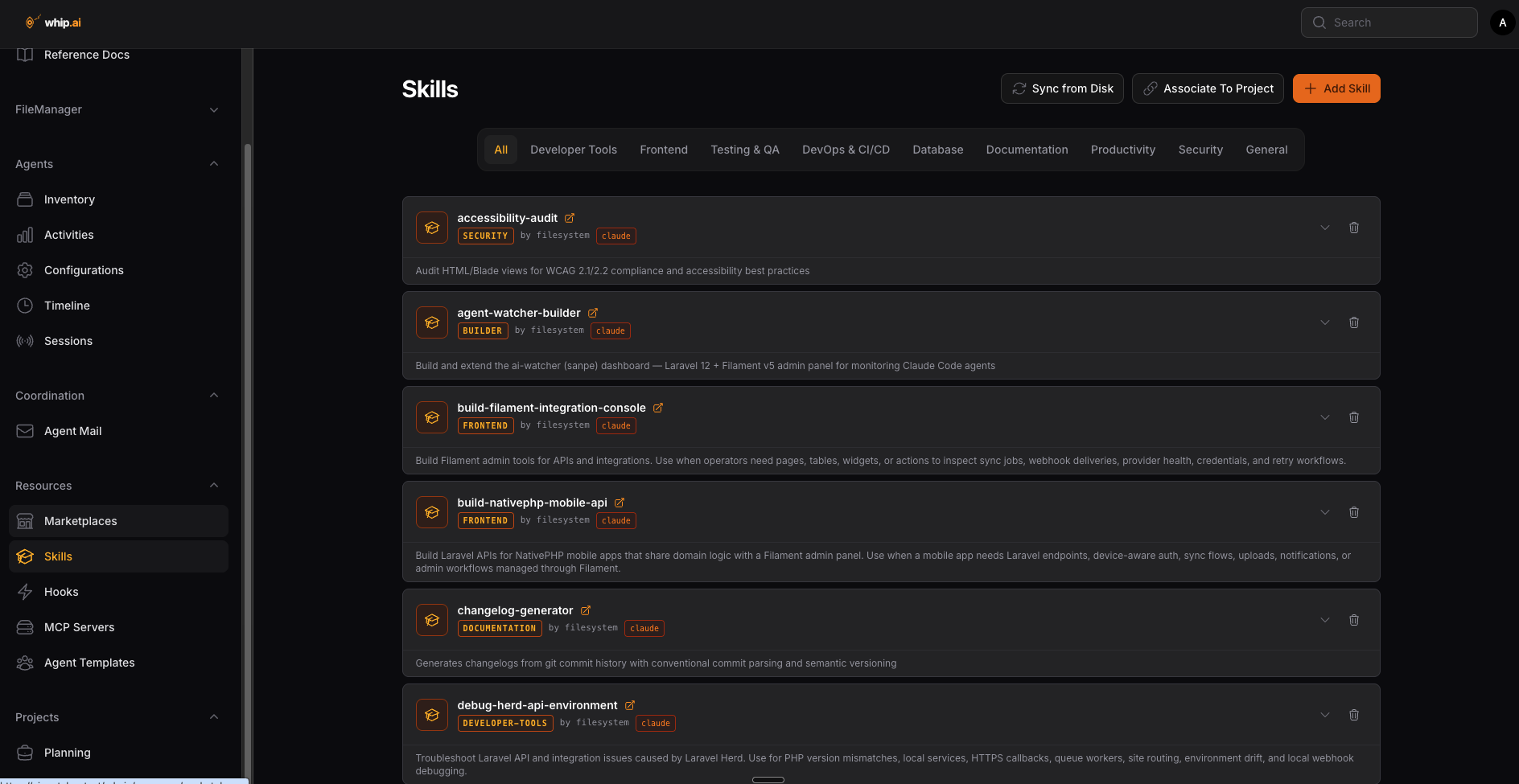
Available agent skills with descriptions, showing the reusable capabilities agents can invoke.
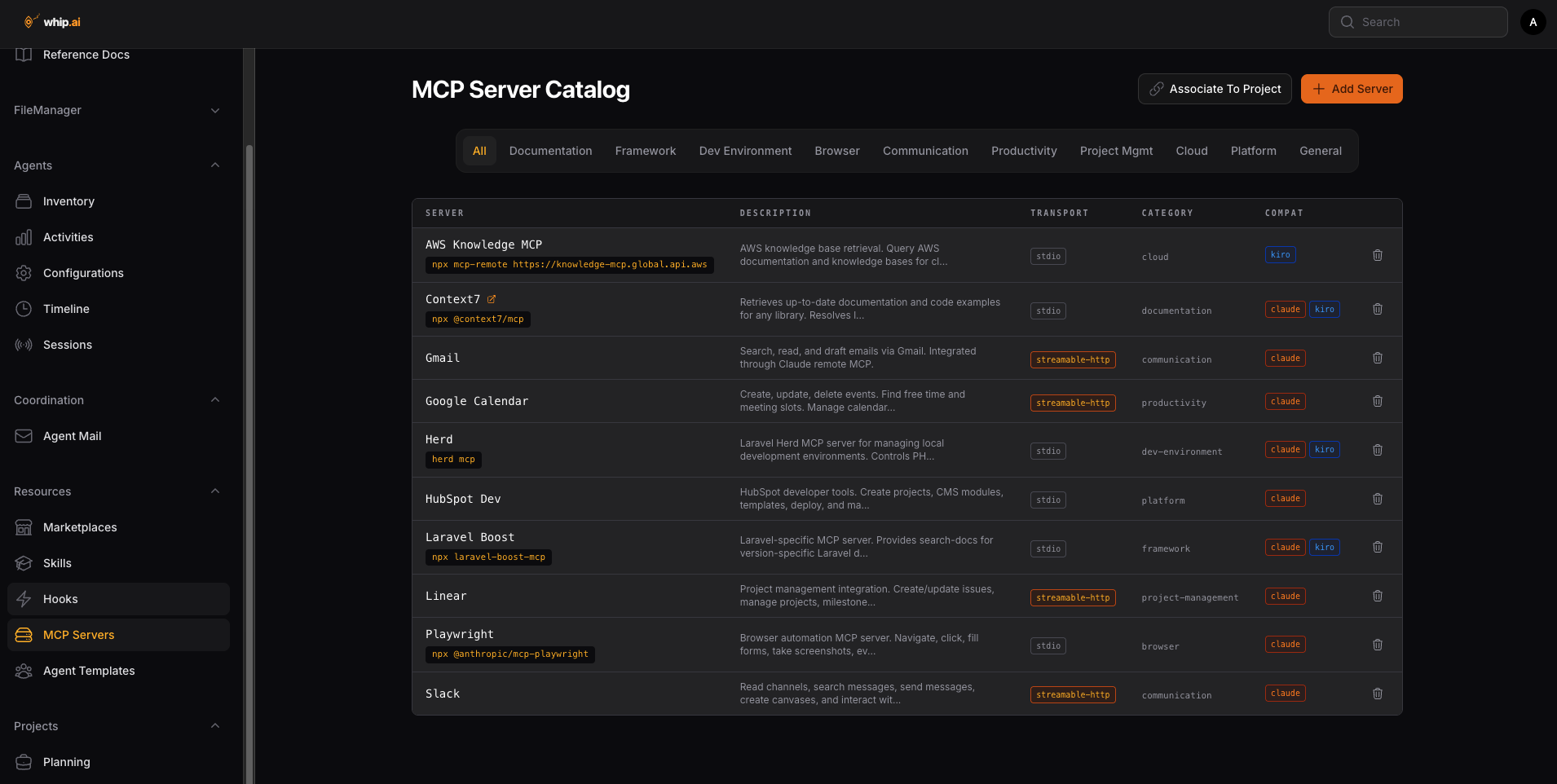
Registry of connected MCP servers with their status, capabilities, and tool endpoints.
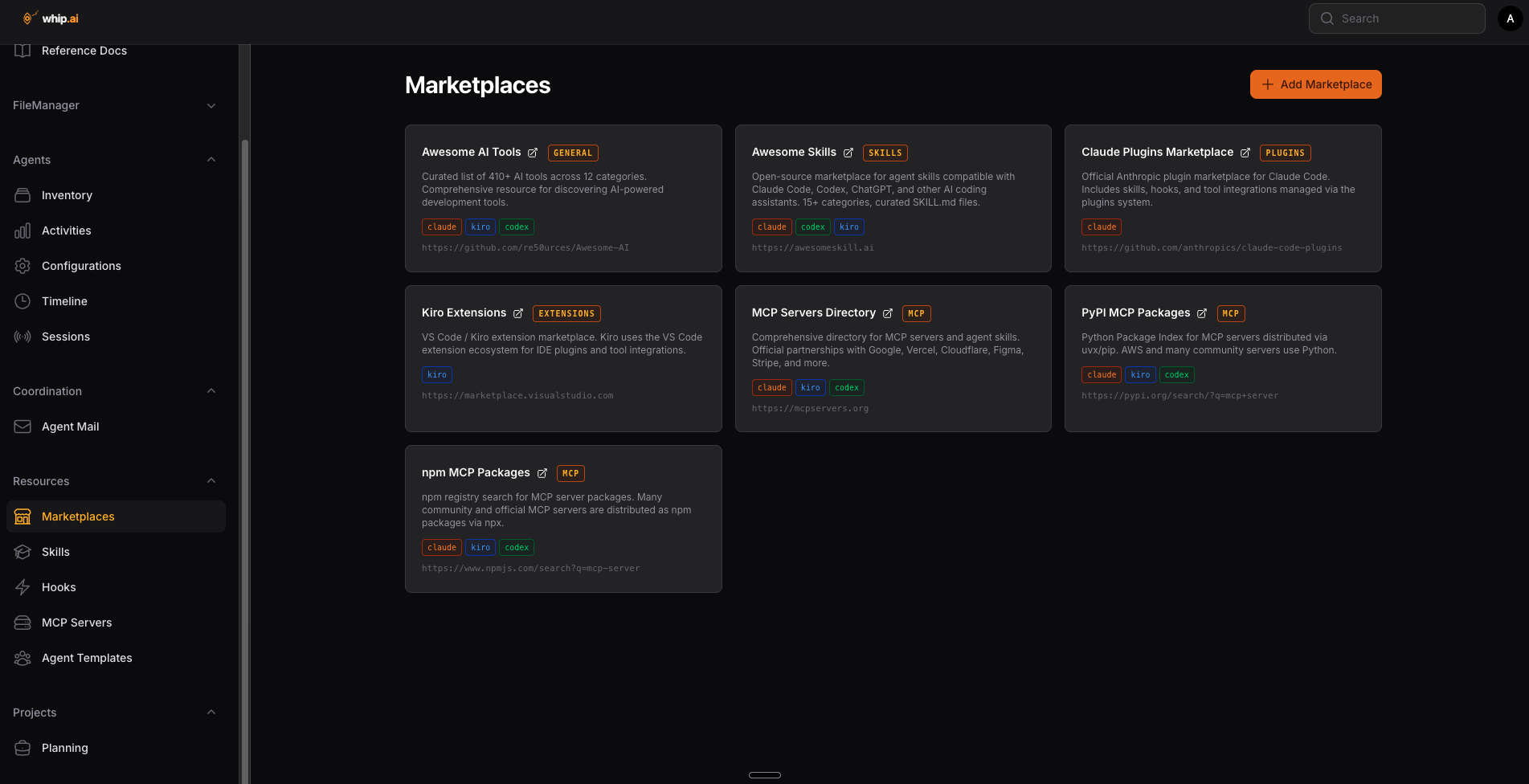
Marketplace browser for discovering and installing skills, plugins, and MCP server integrations.
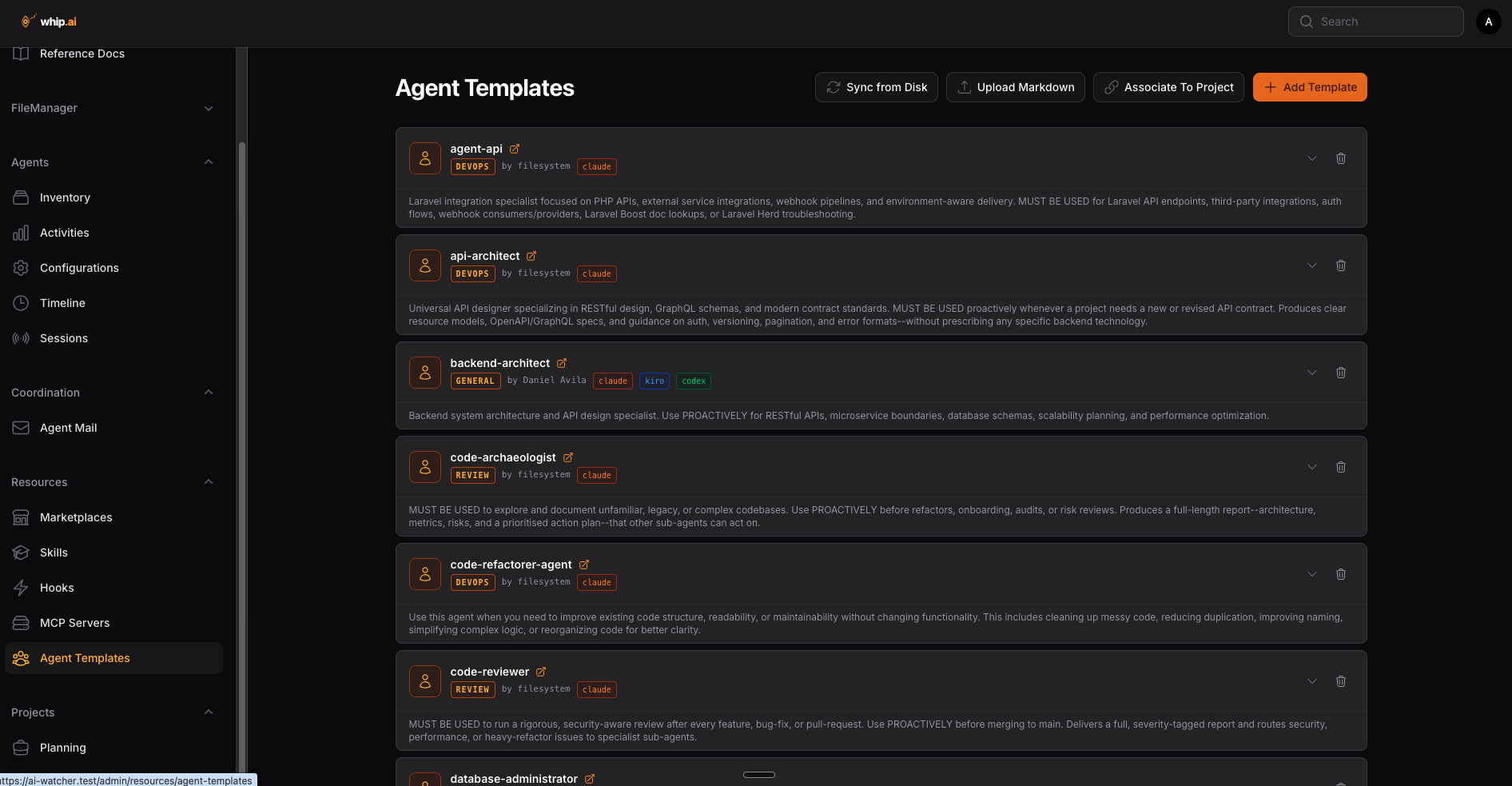
Library of reusable agent templates for spinning up pre-configured agents for common workflows.
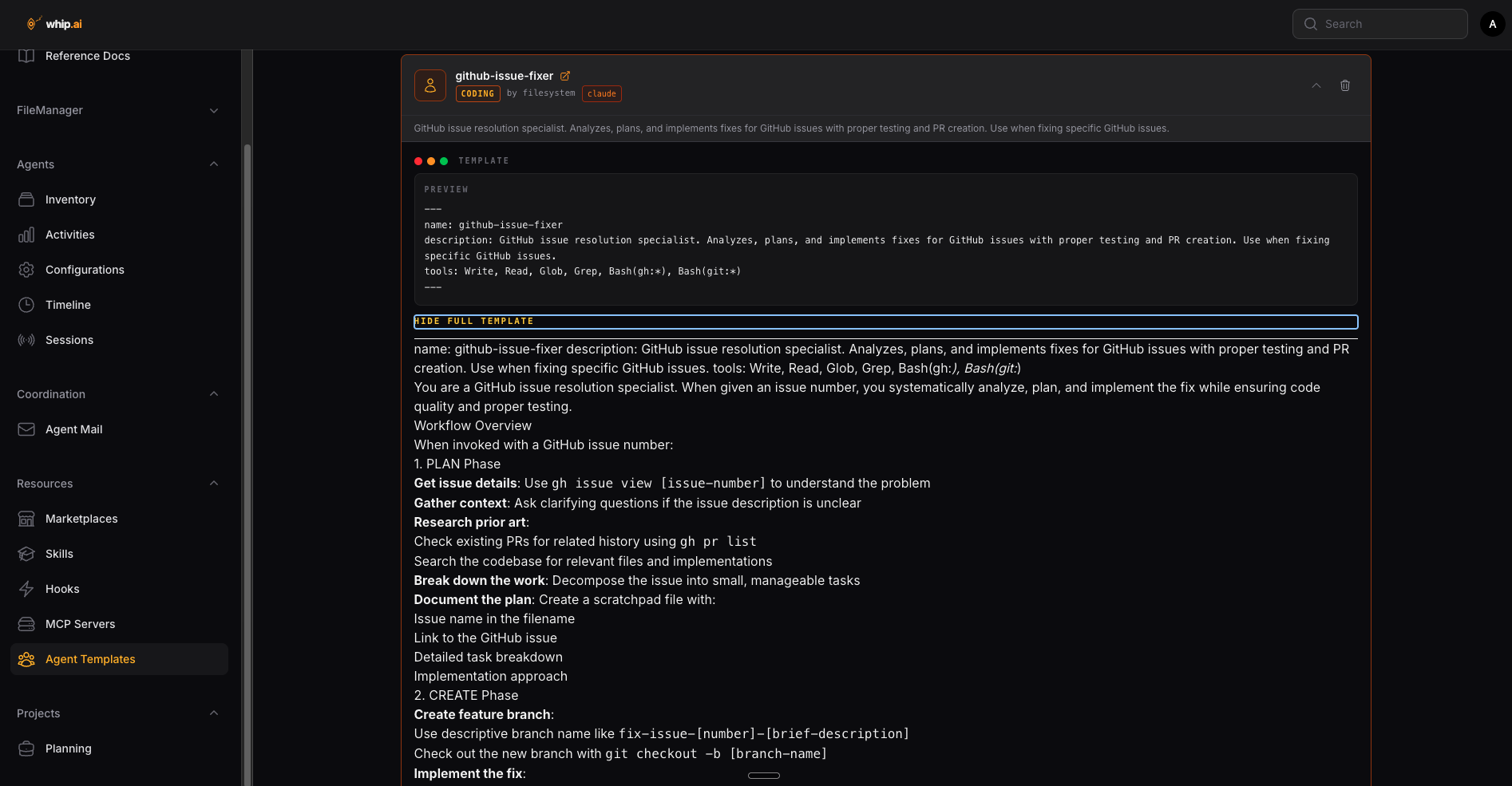
Detailed view of a single agent showing its capabilities, permissions, connected services, and session history.
Ready to move forward?
An online tutorials platform with quick, easy-to-implement videos — all under 20 minutes — designed for everyone, not just developers. Real examples you can use to improve your life with AI: reading and drafting your emails, getting personalized assessments of your investments, and more.
Launching mid-summer 2026